Buttons on the Travel Page
There are 2 buttons at the top right of the screen and 5 running below the data entry grid serving various functions.
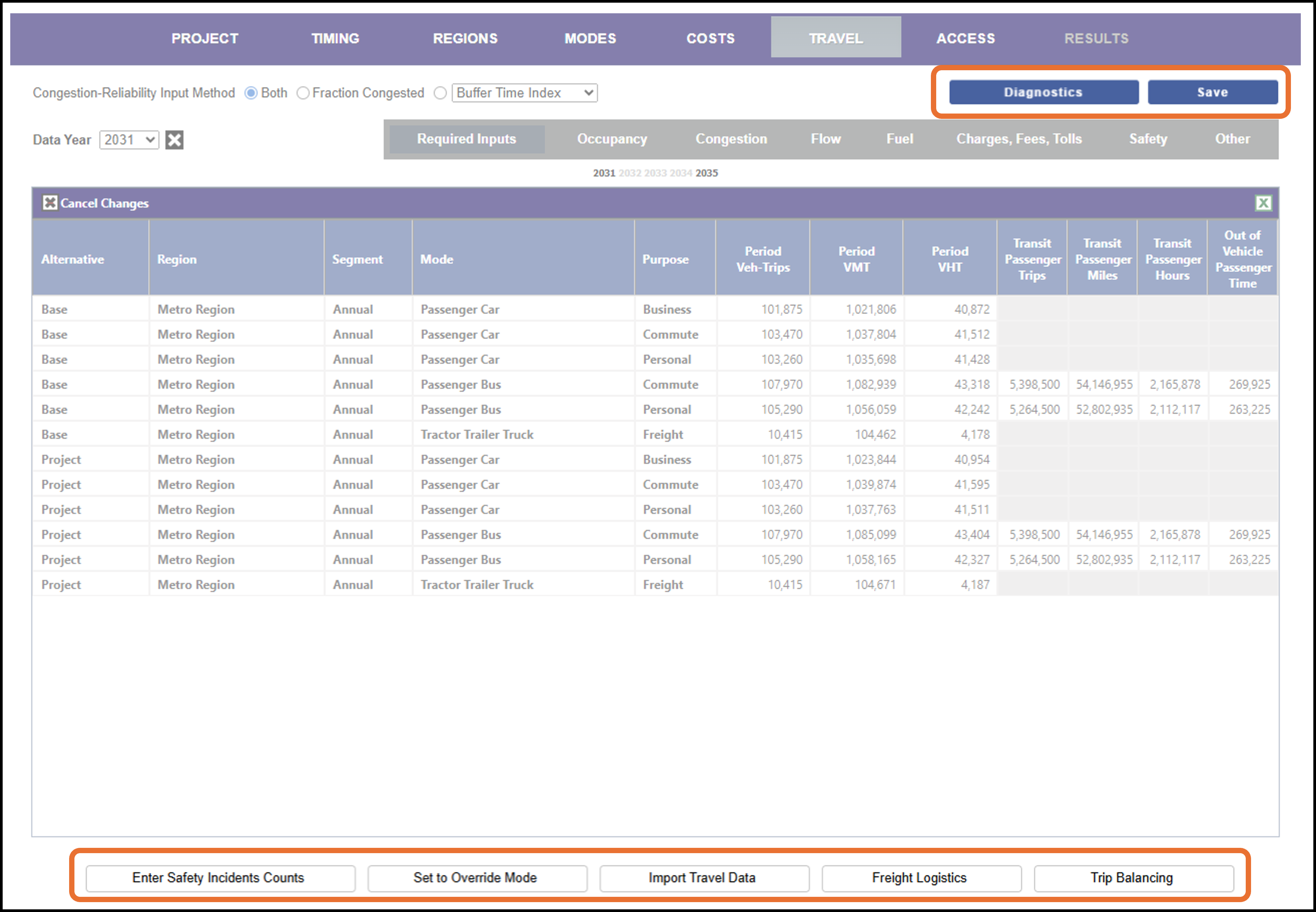
The Save button saves the current travel data shown on screen. For other functionality, click on any of the gray tabs below to jump to the appropriate section.
-
Diagnostics View performance diagnostics for the data entered.
-
Safety Counts Instead of using incident rates, enter count data for safety. Note: This may appear as Enter Safety Incident Counts, View Basic Safety Counts Inputs or View Advanced Safety Counts Inputs depending on the current project state.
-
Set to Override Mode Enter costs directly.
-
Import Travel Data Import travel data (without importing an entire project).
-
Freight Logistics View and edit the commodity mixes and values for freight.
-
Trip Balancing Check that trips between Base and Project balance, and change the share that are induced for analysis.